Role-Based Access
Group permissions into practical roles that reflect each user's job responsibilities.
ERP Feature
Give every user the right level of access through centralized roles, detailed permissions, and controlled ERP administration.
Overview
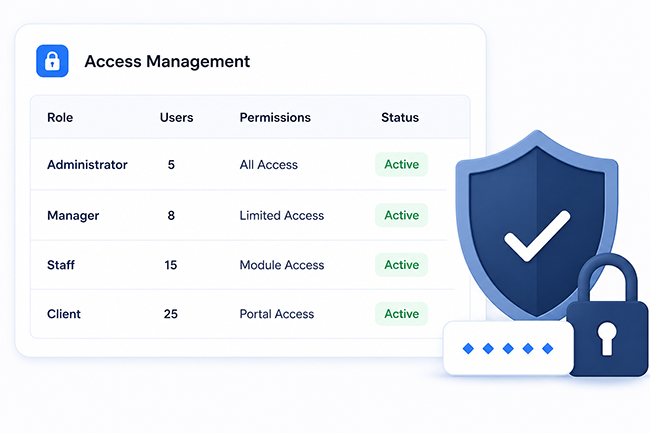
IcyPay ERP Security & Access Management helps administrators define roles, control allowed actions, and keep access aligned with each user's responsibilities across connected business modules.
Key Features
Group permissions into practical roles that reflect each user's job responsibilities.
Define which records, modules, and actions each authorized role can access.
Limit access across billing, products, sales, reports, and other connected ERP modules.
Control create, view, update, delete, download, approval, and other sensitive actions.
Allow designated administrators to create roles and maintain permission assignments.
Support accountable access maintenance through clear, reviewable role configurations.
System Preview
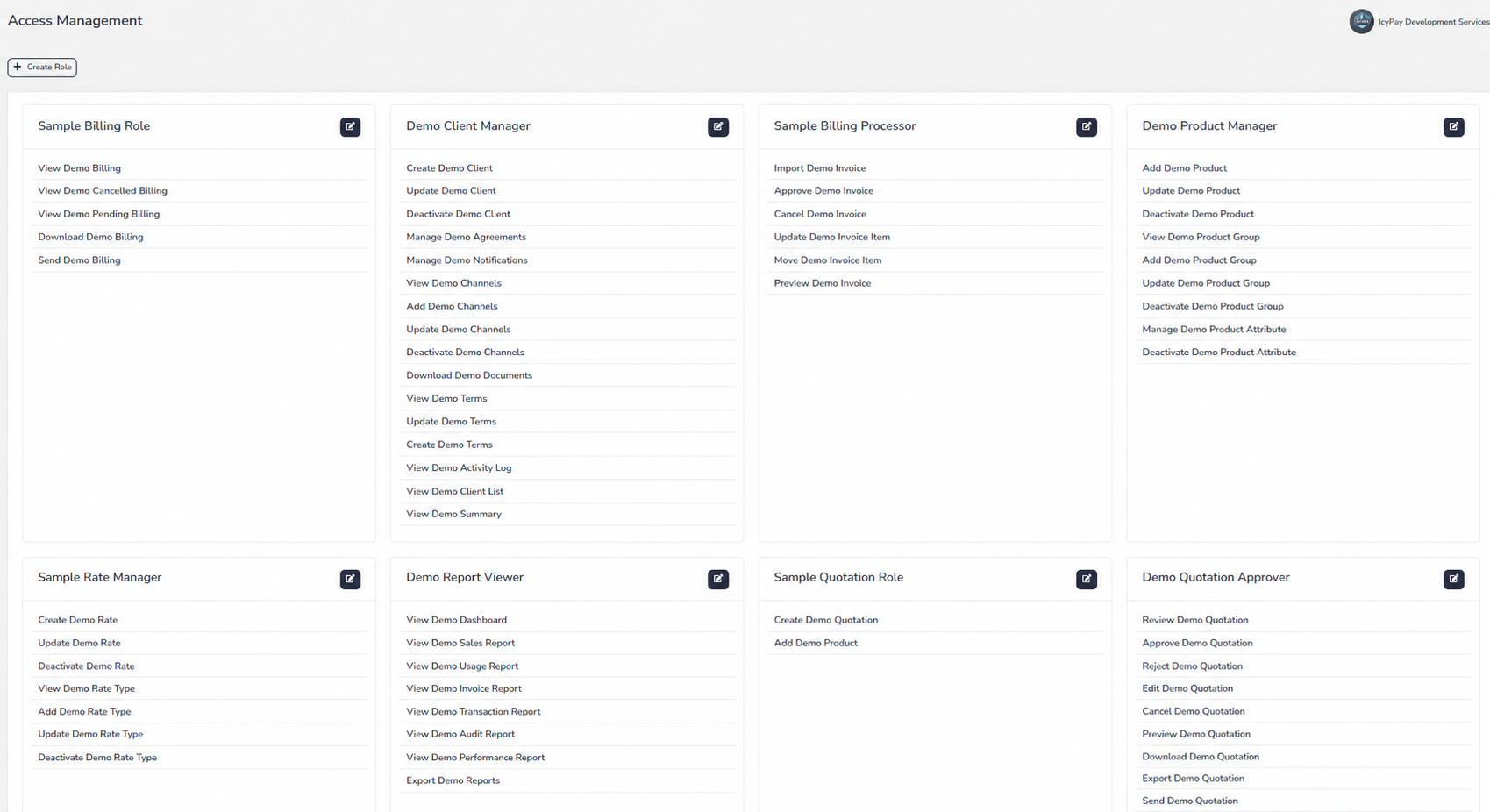
Explore privacy-safe demo screens for reviewing roles, maintaining permissions, and creating controlled access profiles.
Benefits
How It Works
Define a clear role based on a job function or operational responsibility.
Choose the billing, product, sales, reporting, and other modules the role can access.
Enable only the view, create, update, delete, approval, or download actions required.
Apply the approved role to authorized users according to their responsibilities.
Update permissions as duties change and regularly review access for continued accuracy.
Protect connected business workflows with practical roles and precise permissions in IcyPay ERP.