Billing Import
Import structured billing documents and prepare billable records with less manual encoding.
ERP Feature
Prepare, review, approve, send, and track billable transactions through one controlled and traceable ERP workflow.
Overview
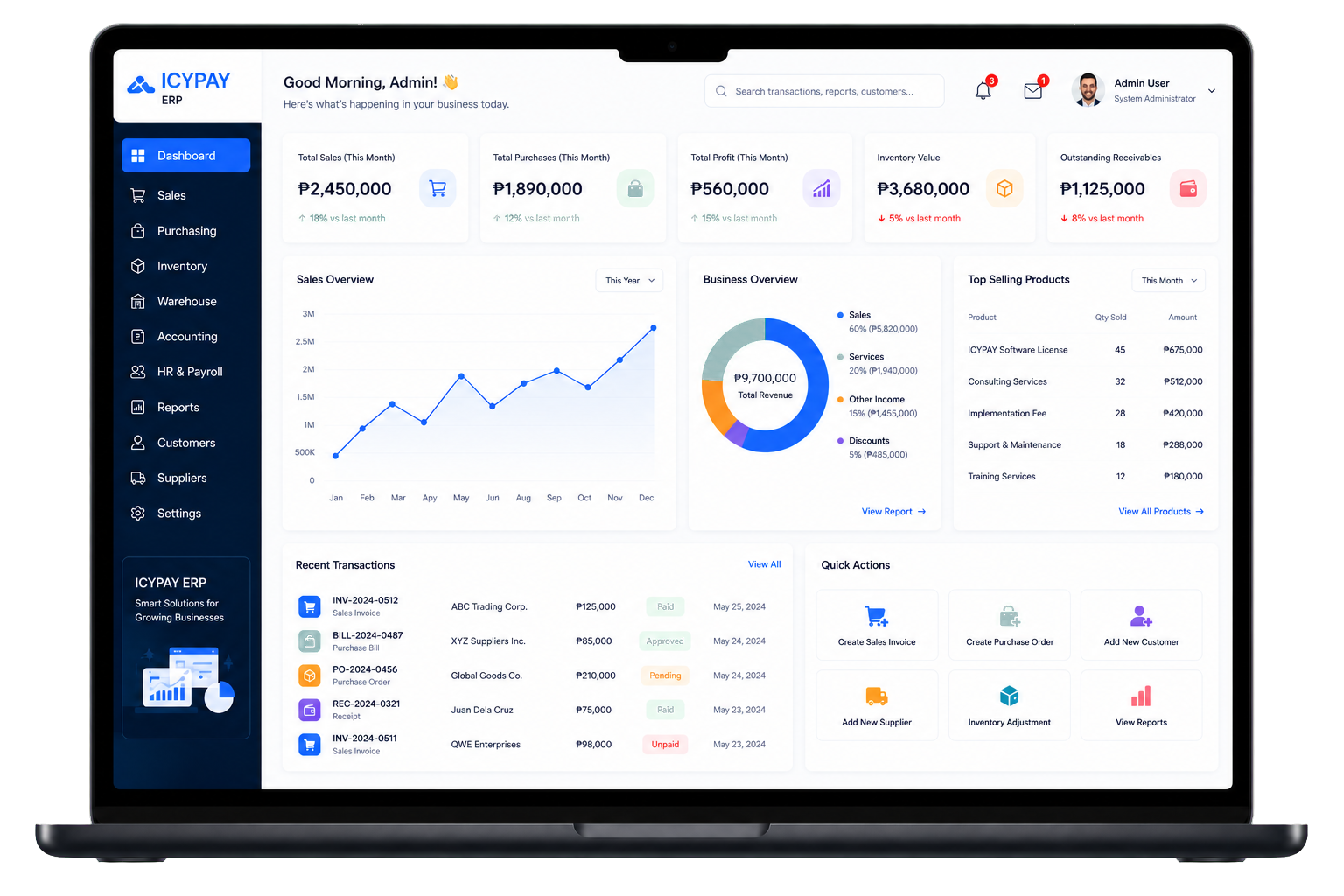
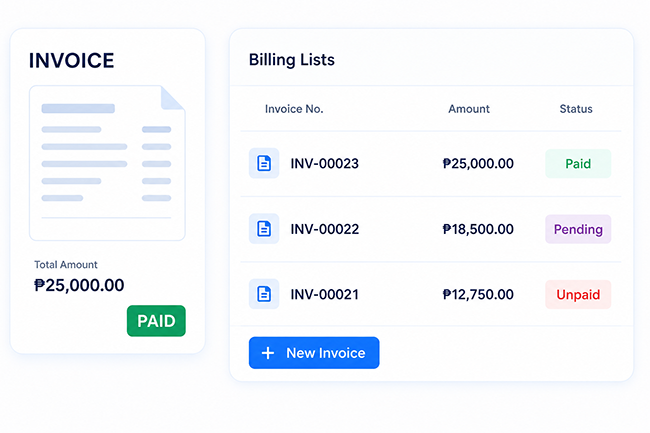
IcyPay ERP Billing Management turns billable activity into organized billing records, supports review and approval, and keeps every approved or cancelled transaction easy to find.
Key Features
Import structured billing documents and prepare billable records with less manual encoding.
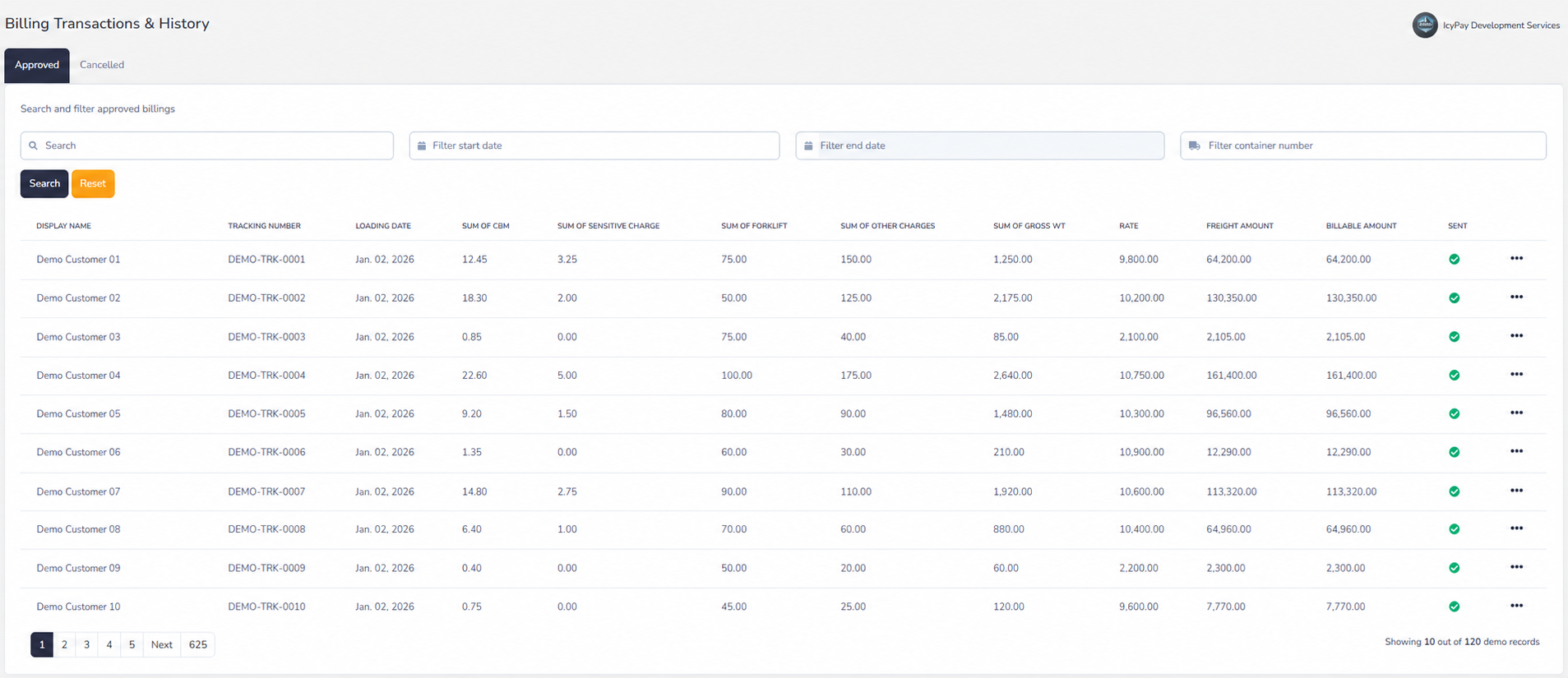
Organize rates, weights, service charges, freight amounts, and final billable totals.
Review billing details before approval, delivery, or further processing.
Move reviewed billings through controlled approval and cancellation states.
Find past transactions using status, date, tracking, and container filters.
Monitor billable amounts and transaction status from one connected workspace.
System Preview
Explore privacy-safe demo screens for approved billing history and controlled billing-document import.
Benefits
How It Works
Upload the billing document and create a structured set of billable records.
Review rates, weights, service charges, freight amounts, and calculated totals.
Confirm the customer, references, dates, and final billable amount before approval.
Approve the completed billing and track whether it has been sent.
Search approved or cancelled billings and retain a traceable transaction history.
Prepare accurate billings and keep every approval, status, and transaction easy to track with IcyPay ERP.