User Accountability
Identify the authorized user responsible for each recorded system action.
ERP Feature
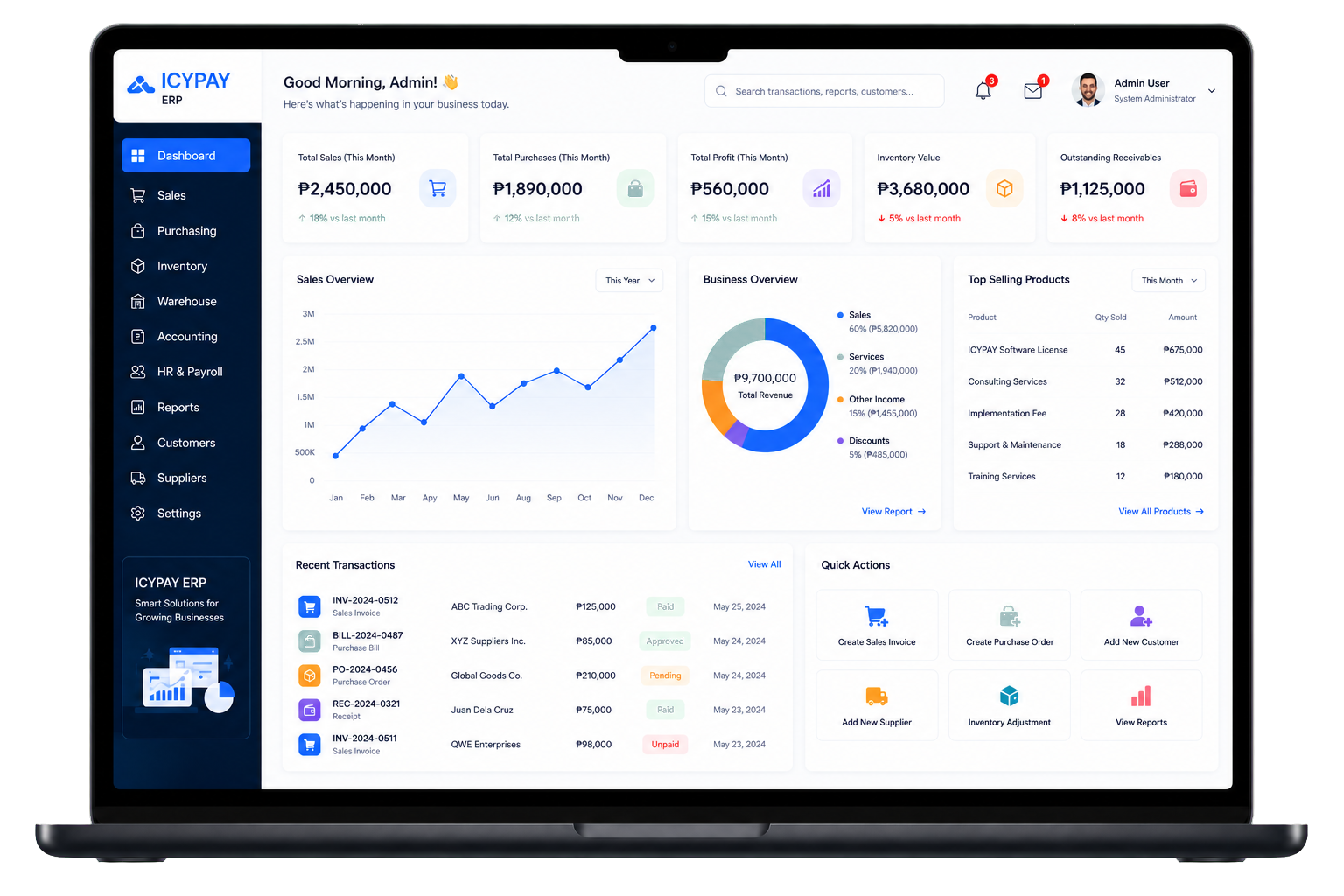
Keep a traceable history of important system actions, record changes, and administrative activity across connected ERP modules.
Overview
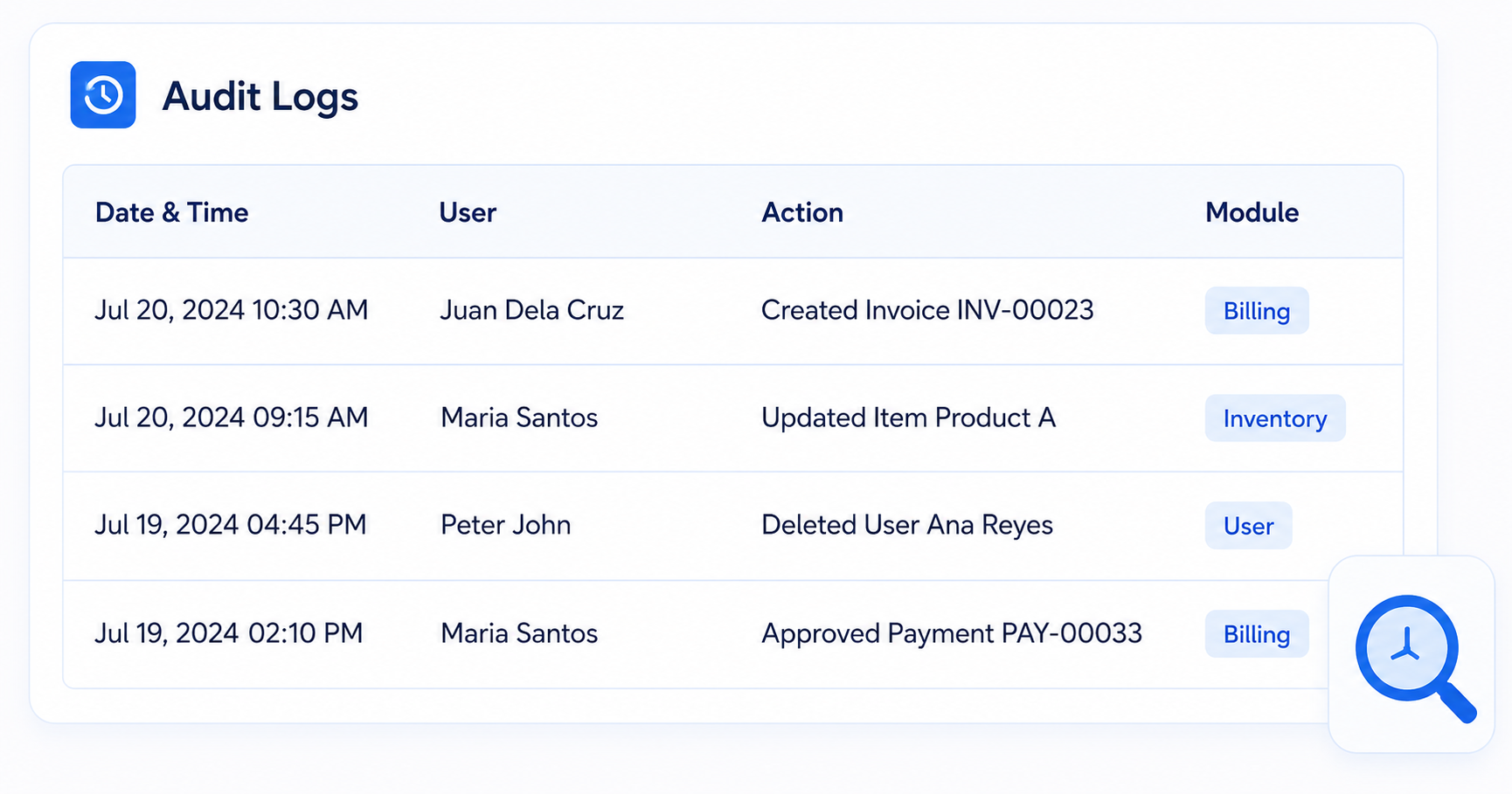
IcyPay ERP Audit Logs captures who performed an action, what record changed, when it happened, and the resulting before-and-after values.
Key Features
Identify the authorized user responsible for each recorded system action.
Retain a chronological history of important create, update, and administrative events.
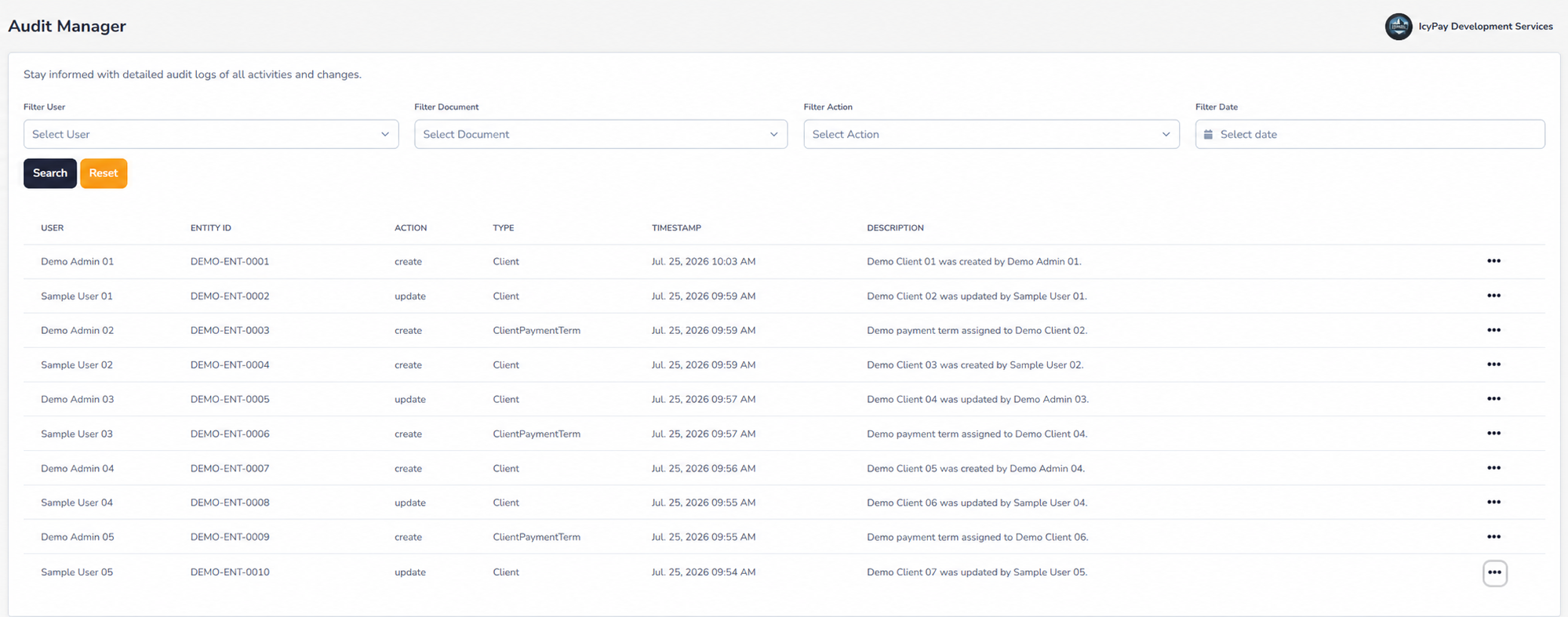
Find relevant activity by user, record type, action, or transaction date.
Review entity references, timestamps, descriptions, and other audit context.
Compare previous and updated values to understand exactly what changed.
Support investigations, governance, and process improvement using dependable audit information.
System Preview
Explore privacy-safe demo screens for reviewing activity history and inspecting detailed record changes.
Benefits
How It Works
An authorized user creates, updates, or processes a record in a connected ERP module.
The system records the user, action, entity reference, timestamp, and description.
Previous and updated values are retained as part of a chronological audit trail.
Authorized reviewers inspect before-and-after data to understand the exact change.
Filter audit activity and use detailed records for investigation, reporting, and governance.
Keep important ERP activity searchable, reviewable, and accountable with IcyPay.