User Management
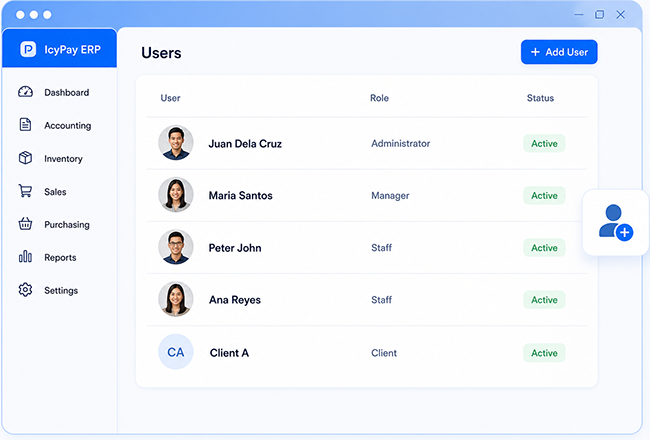
Maintain authorized ERP users, contact details, statuses, and operational assignments in one directory.
ERP Feature
Keep users, clients, rates, and essential business records organized as dependable master data for every connected ERP workflow.
Overview
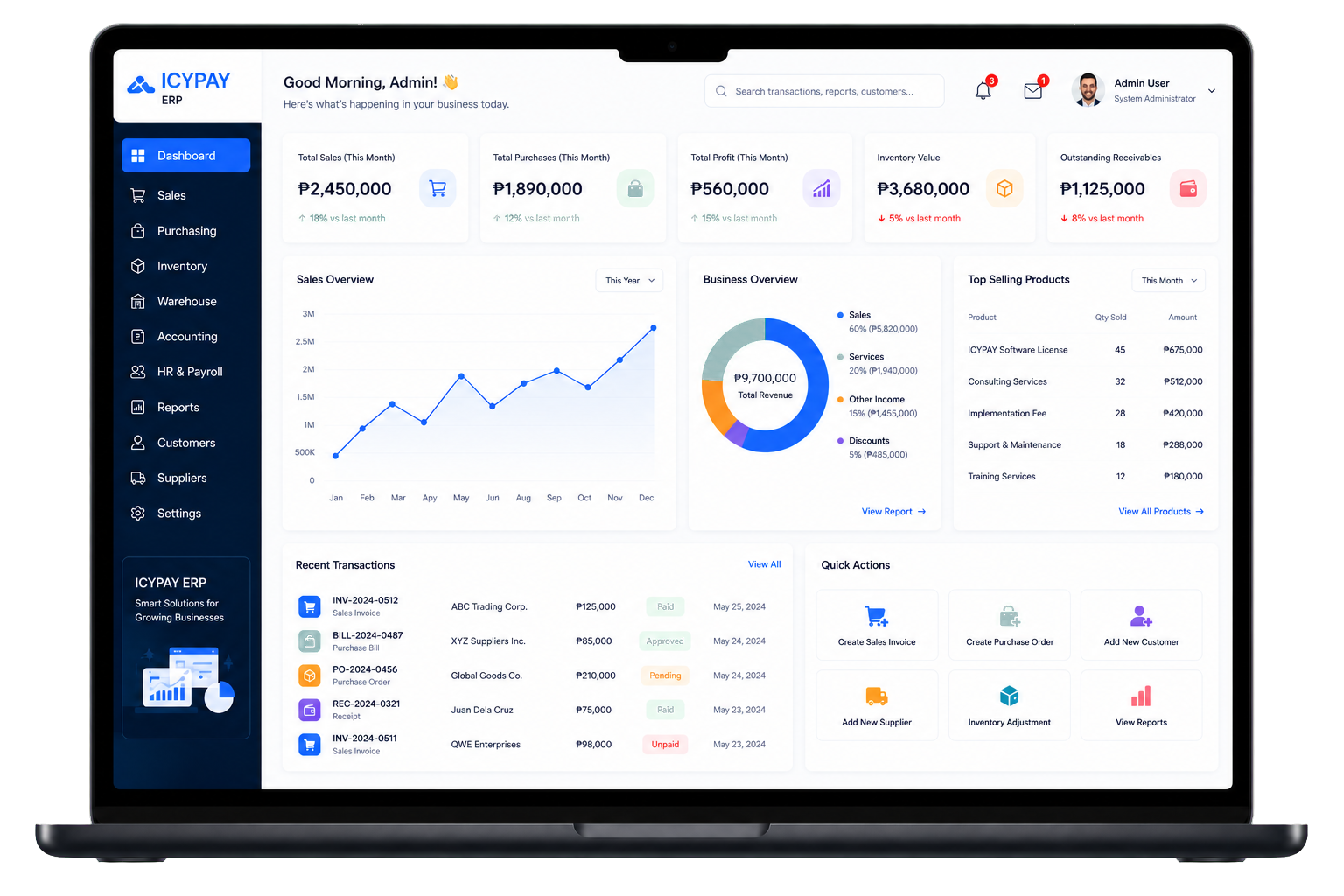
IcyPay ERP Data Management centralizes the records your teams use every day. Maintain consistent user, client, and rate information once, then reuse it across billing, sales, reporting, and other authorized workflows.
Key Features
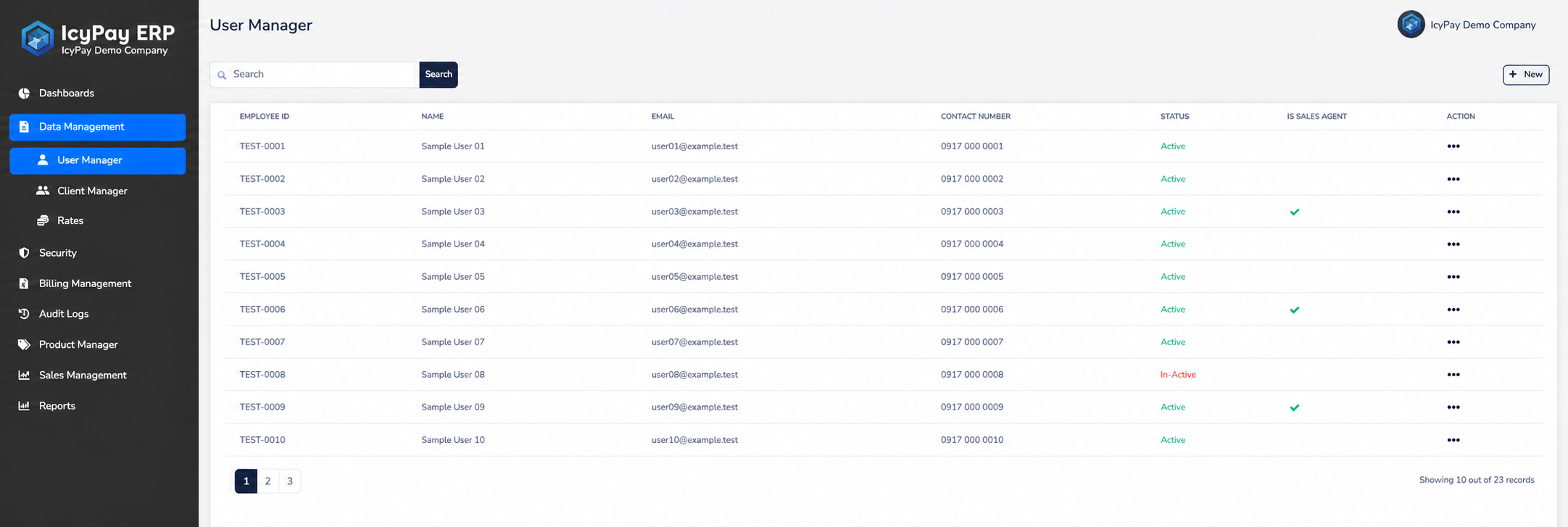
Maintain authorized ERP users, contact details, statuses, and operational assignments in one directory.
Organize client profiles, display names, contact information, and company references for connected transactions.
Define reusable rates, quantity ranges, statuses, and categories for consistent business calculations.
Keep essential records in one controlled source instead of maintaining separate, inconsistent copies.
Find users, clients, rates, and related information quickly as data volumes grow.
Protect business data through authorized access, clear statuses, and accountable record maintenance.
System Preview
Explore privacy-safe sample screens for managing users, clients, and reusable business rates in IcyPay ERP.
Benefits
How It Works
Add a user, client, rate, or category with the required business information.
Review identifiers, contact data, ranges, categories, and other required fields.
Apply the correct status, role, rate category, and operational settings.
Allow authorized teams to maintain or use the data according to their responsibilities.
Use consistent master records throughout billing, sales, reports, and connected processes.
Build a dependable data foundation for connected workflows with IcyPay ERP.