Timekeeping & Attendance
Track attendance through biometric, mobile, and web options with real-time visibility from anywhere.
HRIS Feature
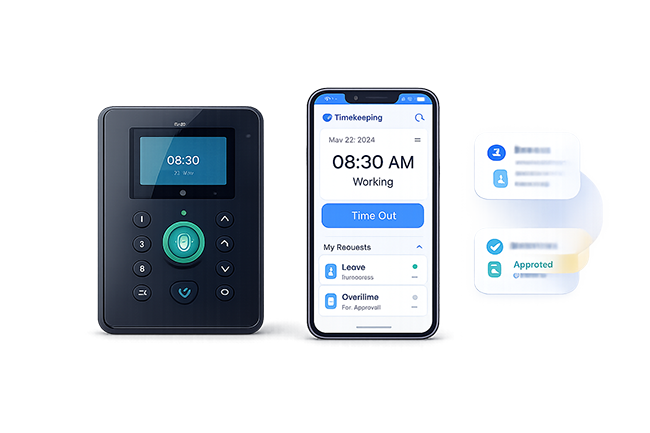
Capture accurate attendance from biometric, mobile, and web channels with real-time workforce visibility.
Overview
Track attendance through biometric, mobile, and web options with real-time visibility from anywhere.
Key Features
Track attendance through biometric, mobile, and web options with real-time visibility from anywhere.
Keep requests, approvals, records, and status updates clear and easier to manage.
Use connected information and practical reporting to support faster decisions.
Protect sensitive HR information through controlled, role-based access.
Adapt permissions and workflows to the responsibilities of each team.
Bring operational records together in clear, practical HR reports.
System Preview
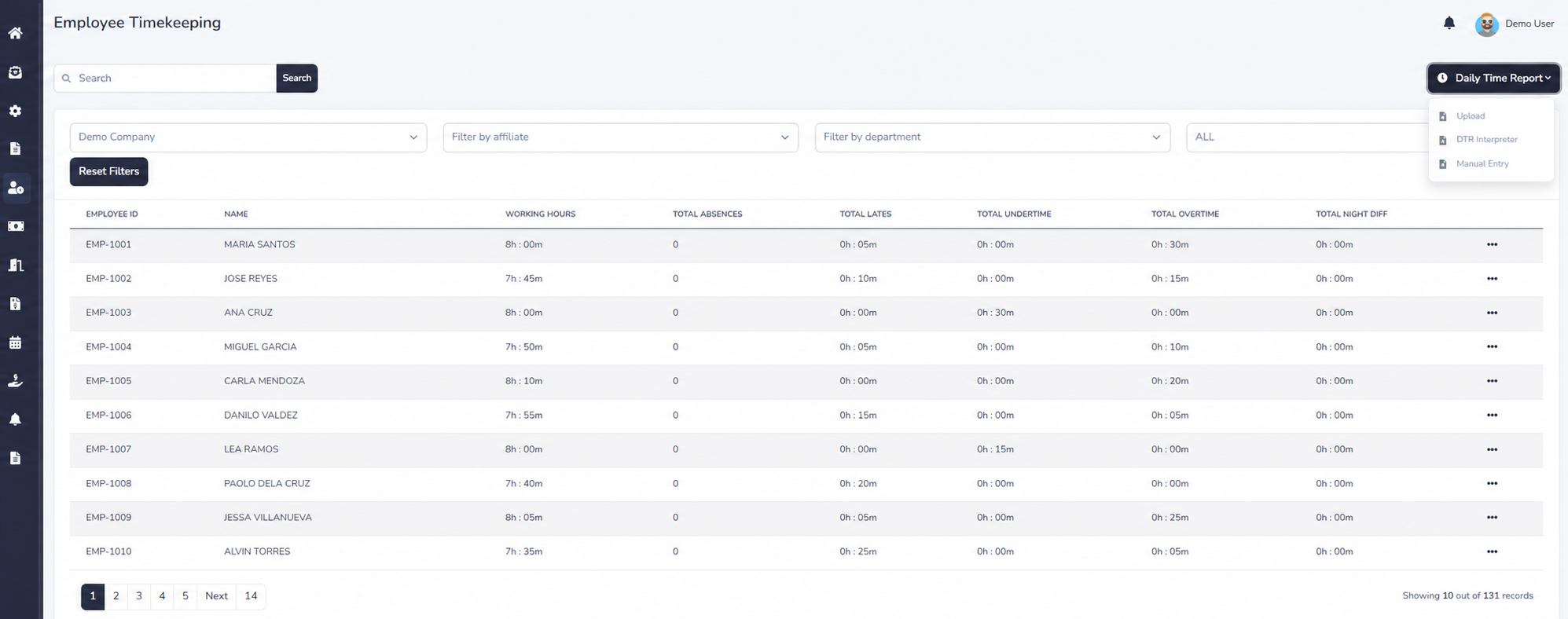
Explore privacy-safe examples of workforce time summaries, detailed daily time records, and the employee clock-in experience in IcyPay HRIS.
Benefits

How It Works
Employees record their punch times through the supported attendance channels.
Synchronize captured attendance logs from the runner into IcyPay HRIS.
Upload a supported extracted DTR file when attendance records need to be imported.
Allow authorized employees to capture punch times securely from the web application.
Validate work hours, lates, undertime, overtime, and attendance exceptions.
Build connected, dependable HR workflows with IcyPay HRIS.