Employee Scheduling
Create fixed or flexible schedules, manage shifts, and maintain clear workforce coverage.
HRIS Feature
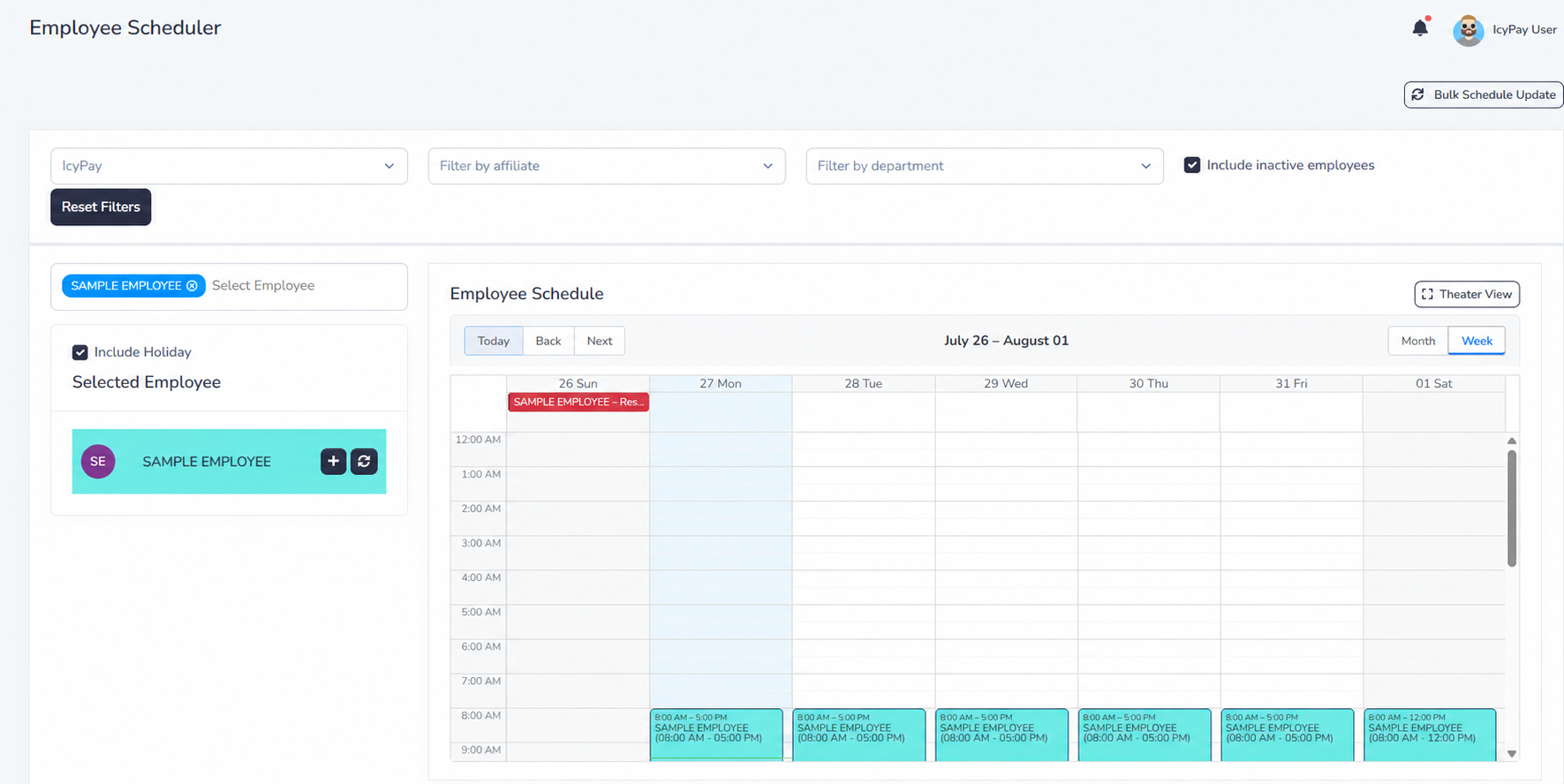
Build clear workforce schedules, manage shifts, and maintain dependable coverage across teams.
Overview
Create fixed or flexible schedules, manage shifts, and maintain clear workforce coverage.
Key Features
Create fixed or flexible schedules, manage shifts, and maintain clear workforce coverage.
Keep requests, approvals, records, and status updates clear and easier to manage.
Use connected information and practical reporting to support faster decisions.
Protect sensitive HR information through controlled, role-based access.
Adapt permissions and workflows to the responsibilities of each team.
Bring operational records together in clear, practical HR reports.
System Preview
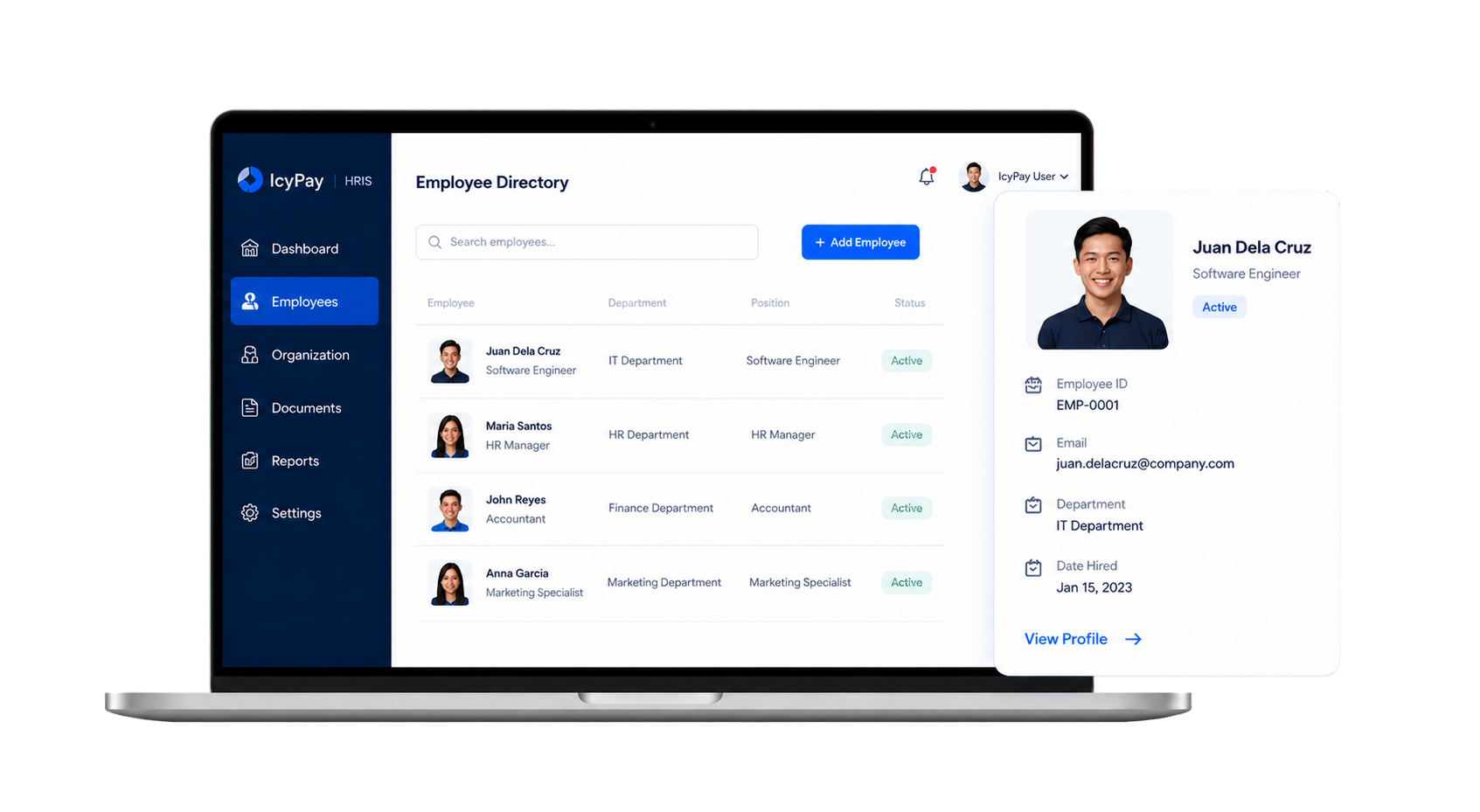
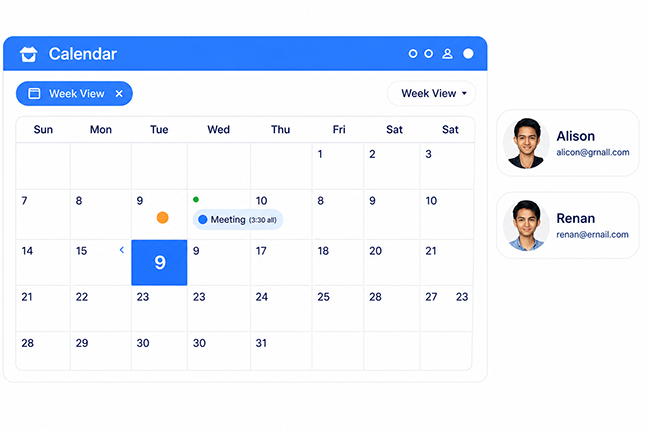
Explore privacy-safe examples of schedule planning, fixed-schedule setup, and the employee schedule view in IcyPay HRIS.
Benefits

How It Works
Employees access their personal IcyPay HRIS account using authorized credentials.
View profile information, attendance, schedules, payslips, and available balances.
File leave, overtime, OB, DTR amendment, or profile-update requests online.
Follow submitted requests and receive clear approval or completion updates.
Use approved and updated HR information without unnecessary manual follow-ups.
Build connected, dependable HR workflows with IcyPay HRIS.