Payroll Management
Automate payroll processing, deductions, taxes, and payslip generation through accurate, connected workflows.
HRIS Feature
Process accurate payroll, deductions, taxes, and payslips through dependable, connected HR workflows.
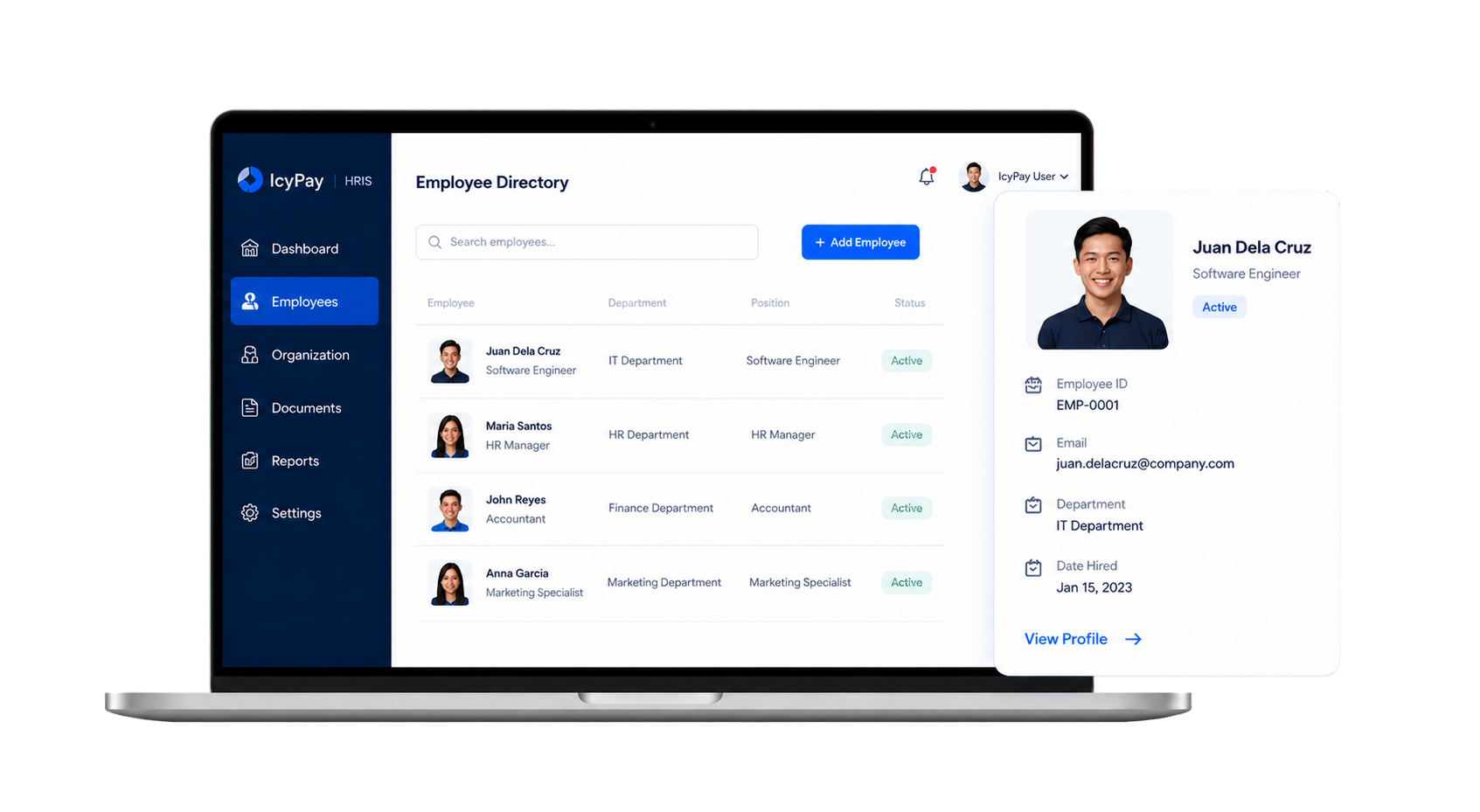
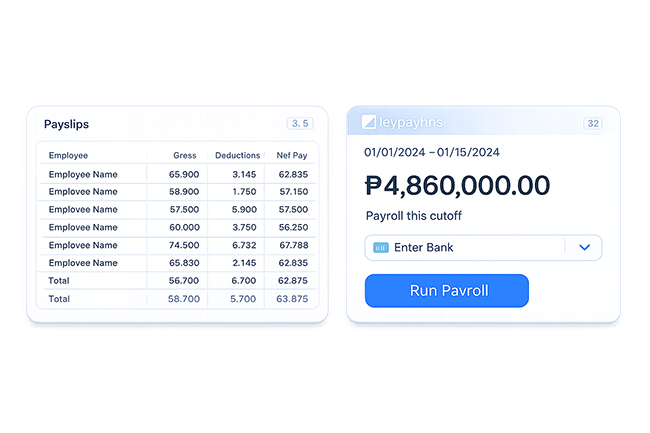
Overview
Automate payroll processing, deductions, taxes, and payslip generation through accurate, connected workflows.
Key Features
Automate payroll processing, deductions, taxes, and payslip generation through accurate, connected workflows.
Keep requests, approvals, records, and status updates clear and easier to manage.
Use connected information and practical reporting to support faster decisions.
Protect sensitive HR information through controlled, role-based access.
Adapt permissions and workflows to the responsibilities of each team.
Bring operational records together in clear, practical HR reports.
System Preview
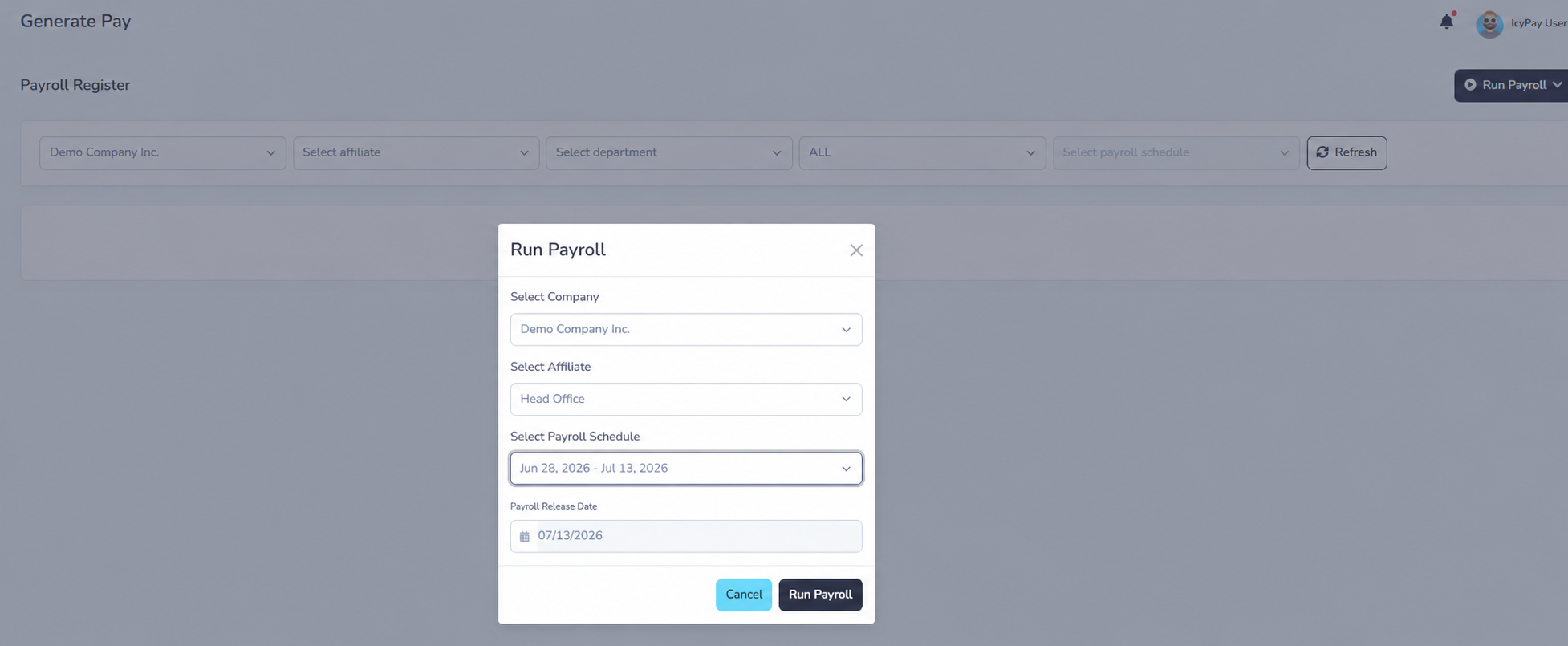
Explore privacy-safe examples of cutoff selection, payroll generation, earnings, deductions, contributions, and payroll results in IcyPay HRIS.
Benefits

How It Works
Consolidate validated attendance, work hours, lates, undertime, and overtime.
Apply approved leave, overtime, official business, loans, and other payroll inputs.
Choose the payroll period and confirm the employees included in the run.
Automatically calculate earnings, deductions, taxes, contributions, and net pay.
Validate payroll results, generate payslips, and prepare payroll reports for release.
Build connected, dependable HR workflows with IcyPay HRIS.