Clearance Management
Configure clearance requirements and track employee completion through onboarding and offboarding.
HRIS Feature
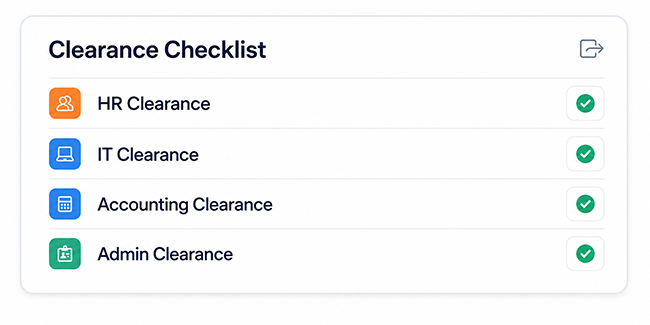
Coordinate clearance requirements and monitor completion throughout onboarding and offboarding.
Overview
Configure clearance requirements and track employee completion through onboarding and offboarding.
Key Features
Configure clearance requirements and track employee completion through onboarding and offboarding.
Keep requests, approvals, records, and status updates clear and easier to manage.
Use connected information and practical reporting to support faster decisions.
Protect sensitive HR information through controlled, role-based access.
Adapt permissions and workflows to the responsibilities of each team.
Bring operational records together in clear, practical HR reports.
System Preview
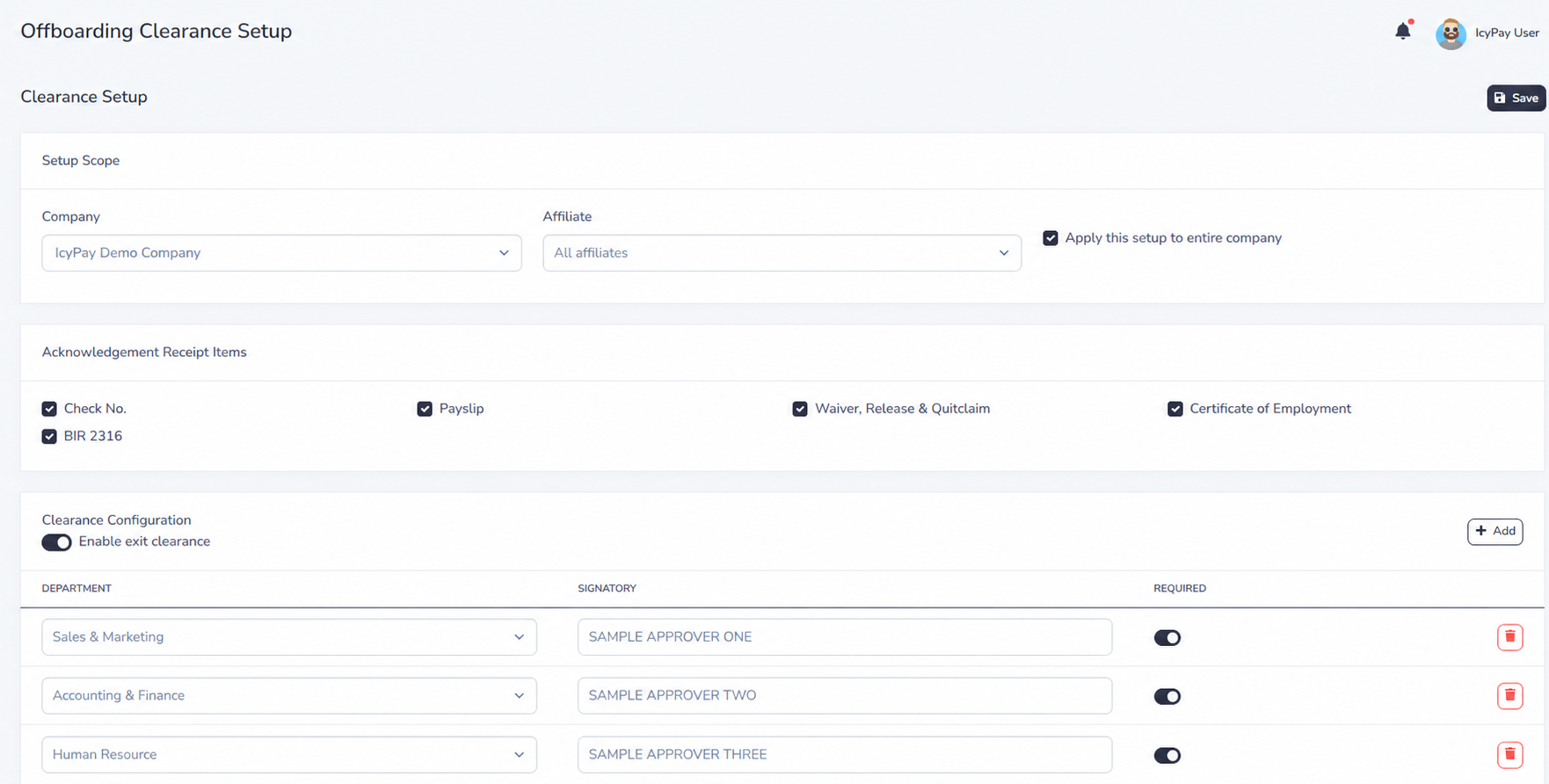
Explore privacy-safe examples of clearance configuration, employee clearance requests, department sign-offs, and completion tracking in IcyPay HRIS.
Benefits

How It Works
Define departments, signatories, documents, and required clearance items.
Open the employee clearance and send the request to assigned reviewers.
Track approvals, pending responsibilities, and reviewer notes.
Confirm acknowledgements, attachments, final pay, and required records.
Close the clearance, preserve its history, and finalize offboarding.
Build connected, dependable HR workflows with IcyPay HRIS.